Table of Contents
- Why Hockey Video Analysis Changes How Players Learn
- How to Conduct a Hockey Video Review That Players Actually Use
- Best Practices for Hockey Video Feedback
- Hockey Performance Tracking Software: What to Look For
- The Psychological Side of Video Review
- DIY Video Analysis Workflows and Wearable Integration
- Conclusion
- Frequently Asked Questions
Last Updated: September 27, 2026
Why Hockey Video Analysis Changes How Players Learn
Hockey video analysis is the practice of recording games and practices, then breaking down the footage frame by frame to evaluate positioning, decision-making, and technique. According to Hockey Canada’s player development resources, structured video review has become a core component of modern athlete development at every level of the game. At Pro Stride Hockey, players who once relied on a coach’s verbal description of a mistake now see it themselves, paused and circled on a screen.
What Players See That Coaches Can’t Say
A coach can describe a late line change or a missed backcheck a hundred times. The player nods. Nothing changes. But when that same player watches their own shift and sees the gap open a half-second before the puck arrives, the lesson lands differently. Video removes the argument. The footage is neutral, and neutral evidence is far more persuasive than a raised voice on the bench.
How to Conduct a Hockey Video Review That Players Actually Use
A productive hockey video review follows a simple structure: select clips that teach one lesson, keep the session under 15 minutes, and end with a specific action the player will apply in the next game. Most reviews fail because coaches try to cover everything. Players retain almost nothing from a 45-minute film session.
Clip Selection and Tagging
Tag clips by theme rather than by game. Grouping all forechecking sequences together, for example, lets players spot patterns across multiple shifts instead of treating each mistake as isolated. A common mistake is tagging by period or opponent, which buries the teaching point.
The Review Session Structure
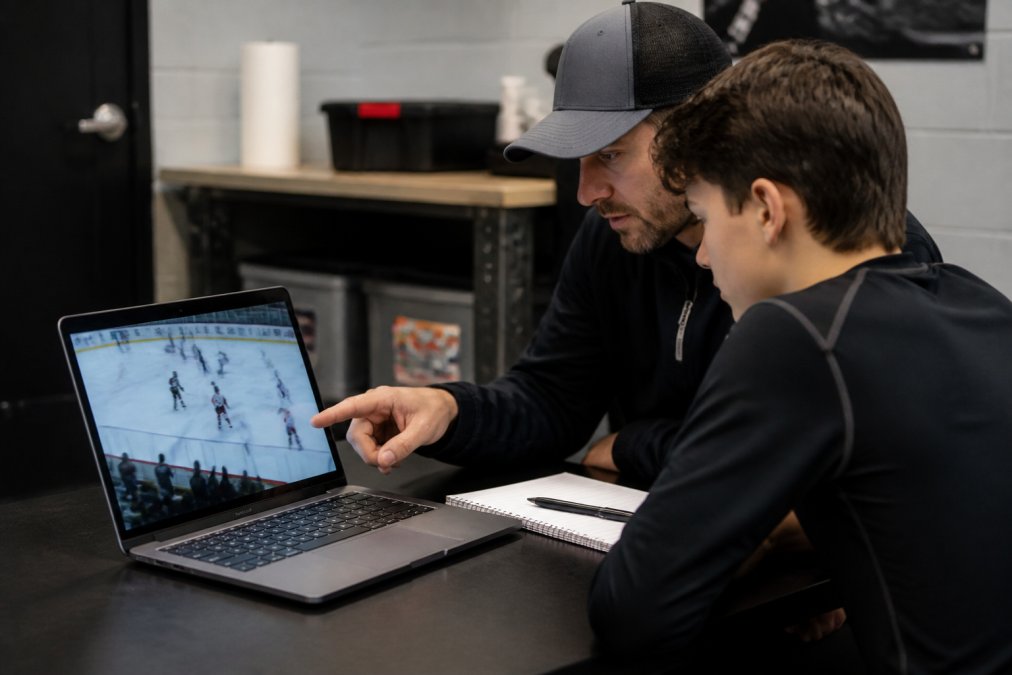
Open with one positive clip. Players need to see what worked before they see what didn’t. Then move to two or three correction clips, and close with a single “next game” focus. Write that focus on a whiteboard or send it by text so it survives the drive home.
Ask the player to narrate the clip before you say anything. Their explanation reveals whether the problem is physical, positional, or a misread of the play. You’ll coach the right thing far more often.
Best Practices for Hockey Video Feedback
The best practices for hockey video feedback come down to timing and tone. Review within 48 hours of the game, while the shifts are still fresh. Keep feedback specific to observable actions rather than character judgments. “You stopped moving your feet in the corner” teaches. “You were lazy” does not.
- Review within two days of the game
- Limit each session to one or two teaching themes
- Ask questions before giving answers
- End every session with a written takeaway
Hockey Performance Tracking Software: What to Look For
Hockey performance tracking software ranges from free phone apps to full team platforms, and the right choice depends on how many players you’re managing and how disciplined your review routine already is. The trap most coaches fall into is buying for the roster they hope to have rather than the one they’re actually coaching this season.
The Feature Set That Actually Earns Its Keep
| Feature | Best For | Why It Matters |
|---|---|---|
| Clip tagging by theme | Small groups | Groups forechecking, breakouts, and D-zone sequences so players spot patterns across shifts instead of isolated mistakes |
| Player-level dashboards | Full rosters | Tracks individual trends across a season so you can see whether a correction actually stuck |
| Mobile clip sharing | Remote players | Lets athletes review on their own time, which is where most retention happens |
| Annotation and telestration | Skill coaching | Draws lines, arrows, and circles on live footage so a positioning fix is visual, not verbal |
| Multi-angle sync | Full teams | Stitches together two or three camera angles so you can show cause and effect, not just the outcome |
| Permission controls | Youth and minor programs | Limits who can download or reshare footage of minors, which matters for any program handling player video |
What to Ignore Until You’ve Earned It
Advanced analytics modules, expected goals, zone-entry models, shift-level possession metrics, are genuinely useful at higher levels, but they assume you already have a repeatable tagging habit and someone to interpret the output. Buying them first is like buying a stopwatch before you’ve decided what you’re timing.
Don’t buy team-level software before you have a repeatable review routine. A subscription won’t fix a session that runs long and covers too much. The tool amplifies whatever habit you already have, good or bad.
A Simple Buying Sequence
- Start with a tablet and a basic annotation app for one athlete or a small group.
- Add clip tagging and player dashboards once you’re reviewing weekly and want season-long trends.
- Add multi-angle sync and permission controls when you’re managing a full roster and sharing footage beyond your own device.
- Add analytics modules last, once you have someone who will actually read them.
If you’re evaluating platforms, ask the vendor two questions: how do I export my clips if I leave, and how is player footage stored and who can access it. The answers tell you more about fit than any feature list.
The Psychological Side of Video Review
Video review can build confidence or destroy it, and the difference is almost entirely in how the coach frames it. A player who only ever sees their mistakes starts to dread the film session. A player who sees growth, even small growth, starts asking for more clips.
Building Emotional Maturity Through Review
Learning to watch your own mistakes without spiraling is a skill. It’s the same skill that lets a player shake off a bad shift mid-game instead of carrying it into the next period. At Pro Stride Hockey, emotional maturity sits alongside skating speed as a development goal, and review sessions are one of the places it gets built.
The goal of review isn’t to eliminate mistakes. It’s to help players see their own game clearly and respond without panic.
DIY Video Analysis Workflows and Wearable Integration
Most content on this topic pushes enterprise software. The reality for a coach, a parent, or a small training group is that a workable DIY video analysis workflow needs three things: a camera, a way to tag clips, and a set time to review. Everything else is optional.
The Minimum Viable Setup
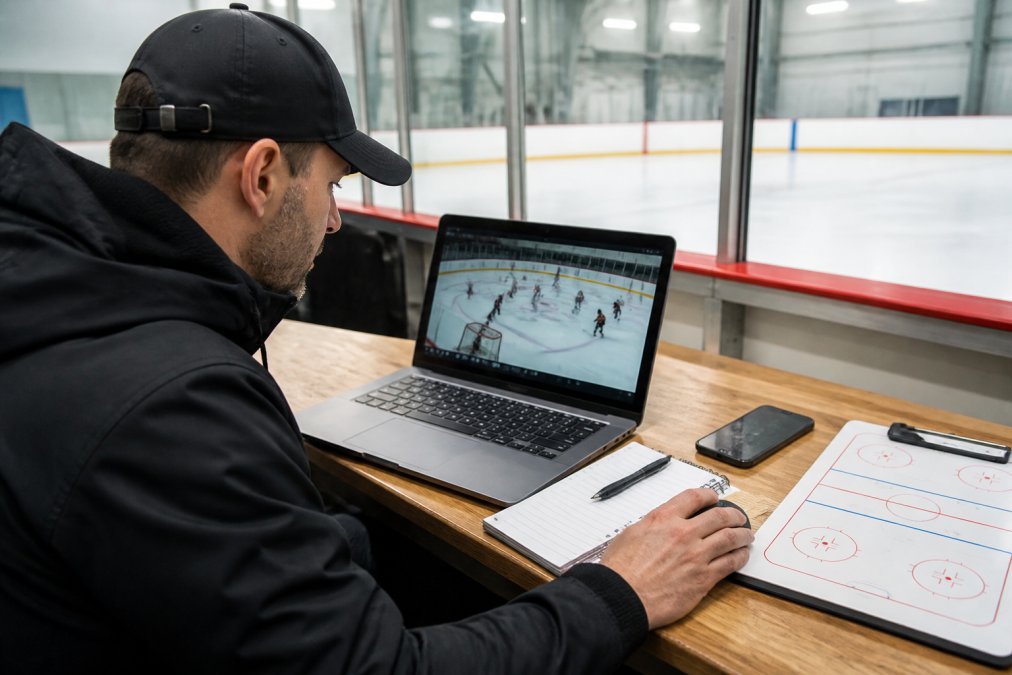
A phone on a tripod behind the glass captures enough for positional and decision-making feedback. Mount it high enough to see the full zone, keep it steady, and record at the highest frame rate your phone allows, 60 frames per second or better makes it easier to freeze a stride or a stick placement without blur. If you’re filming from the bench, a wide shot beats a zoomed one; you can always crop in later, but you can’t recover a play you didn’t capture.
From there, the workflow is simple:
- Record the game or practice from a fixed position.
- Trim the clips you want to keep, most phones and free editors handle this.
- Label each clip by theme (forecheck, breakout, D-zone) rather than by period or opponent.
- Store clips in a folder per player so a season’s worth of footage stays organized.
Pairing Wearables With Footage
Wearable integration is where this gets interesting, and it’s the angle most guides skip. Heart rate and skating load data can sit beside the video, showing whether a player’s positioning slipped because of fatigue rather than a bad read. A shift where the player’s heart rate stays elevated into the next shift, and the video shows them arriving late on the backcheck, tells a different story than a shift where they’re fresh and simply misread the play.
A Practical Way to Start
You don’t need a full biometric suite to try this. Start with one metric, heart rate is the easiest, and one question: does this player’s positioning degrade as the game goes on? Review the footage from the third period against the first, and check whether the pattern matches the load data. If it does, you’ve found something a film session alone would have missed.
Keep a simple log: date, opponent, minutes played, and one note per player. Over a season, that log plus your clips becomes a development record that’s more useful than any single game review.
Where DIY Stops Being Enough
DIY workflows hit a ceiling when you’re managing a full roster, need multi-angle footage, or want to share clips with players and parents at scale. At that point, the time cost of manual trimming and labeling outweighs the savings, and a team platform earns its place. Until then, a phone, a tripod, and a folder structure will take you further than most coaches expect.
Conclusion
Building a review habit that players actually buy into takes patience, and the payoff shows up over a full season, not a single game. If you want that process handled by coaches who do it every week, Pro Stride Hockey offers comprehensive video analysis, a specialized shooting lane facility, and personalized instruction with a 2:1 player-to-coach ratio. Book Now and give your athlete the feedback that changes how they see the game.
Frequently Asked Questions
What are the primary benefits of using video analysis in hockey training?
Video analysis gives players objective visual feedback that live coaching cannot provide. Players see their stride mechanics, positioning, and decision-making in real time, which speeds up skill acquisition and error correction. It also helps coaches identify tactical patterns across games, track performance metrics over a season, and build scouting reports. The result is faster player development and more efficient use of ice time.
How does video analysis help players improve their skating mechanics?
When players watch their own stride on video, they spot inefficiencies they cannot feel during play, like incomplete leg recovery or poor weight transfer. A coach can pause the clip, point to the exact frame, and connect it to a drill that fixes the issue. This visual feedback loop accelerates technical proficiency far more than verbal instruction alone, especially for stride efficiency and edge control.
Is video analysis suitable for all levels of hockey players?
Yes. Recreational players benefit from seeing basic positioning and effort patterns, while competitive athletes use it for tactical awareness and decision-making speed. The key is adjusting the depth of review to the player’s level. Younger or newer players need simple, positive clips that build confidence. Elite players can handle detailed biomechanical assessment and game model breakdowns. The goal is always long-term development, not information overload.
What should I look for in hockey performance tracking software?
Look for tools that support video annotation, clip tagging, and shareable playlists so coaches and players can review specific moments. Integration with wearable technology for training load and athlete monitoring adds another layer of data-driven insights. The best software for your team depends on your budget and workflow, so test a few options with a single game before committing.